Key Takeaways
Good image questions are specific, grounded in visible details, and followed by sensible verification. Clear files and careful privacy choices matter just as much as the wording of your prompt.
- Define exactly what you want to know from the image.
- Improve lighting, resolution, cropping, and readability before uploading.
- Ask about a particular object, region, relationship, or piece of text.
- Use follow-up questions when the first answer is incomplete or uncertain.
- Remove sensitive information and review important answers against the source.
Understand what image question-answering can do
Image question-answering turns a visual file into something you can discuss in ordinary language. You can ask questions about images rather than manually describe every detail first. The quality of the response still depends on what is visible, how you frame the question, and whether the image contains enough context. For a broader introduction to this workflow, see this guide to image question answering.
Identify objects, people, places, and scenes
Start with visible, factual observations. You might ask what objects appear on a desk, how many vehicles are in a parking area, or whether a photograph shows an indoor or outdoor setting. An answer can describe clothing, colors, positions, and broad scene elements, but it should not be treated as proof of a person’s identity, intent, or private circumstances.
Read text from screenshots, documents, and signs
AI can often transcribe visible words from a screenshot, scanned page, receipt, label, or sign. Ask for the exact text first, then ask for a plain-language explanation if needed. Small type, blur, glare, handwriting, and unusual fonts can all cause omissions, so compare important transcription with the original image.
Explain charts, diagrams, and visual layouts
A useful question can move beyond “What is this?” and ask how the parts relate. For example, ask which category is largest, what sequence a diagram suggests, or where a control is located in an interface. Treat the response as an interpretation of the visible layout, not as an independent source for the underlying data.
Describe visual details and possible relationships
You can ask how objects are positioned, which elements share a color or shape, or what appears to be in the foreground. Use cautious language for relationships that are not directly visible: “What might connect these two elements?” is safer than assuming a cause. This distinction helps keep a description separate from speculation.
Prepare an image for better answers
The file you upload sets a practical limit on the answer you can receive. Before you ask anything, inspect the image as if you were handing it to another person who cannot request a closer look. A clean, relevant image reduces guesswork and makes follow-up discussion easier.
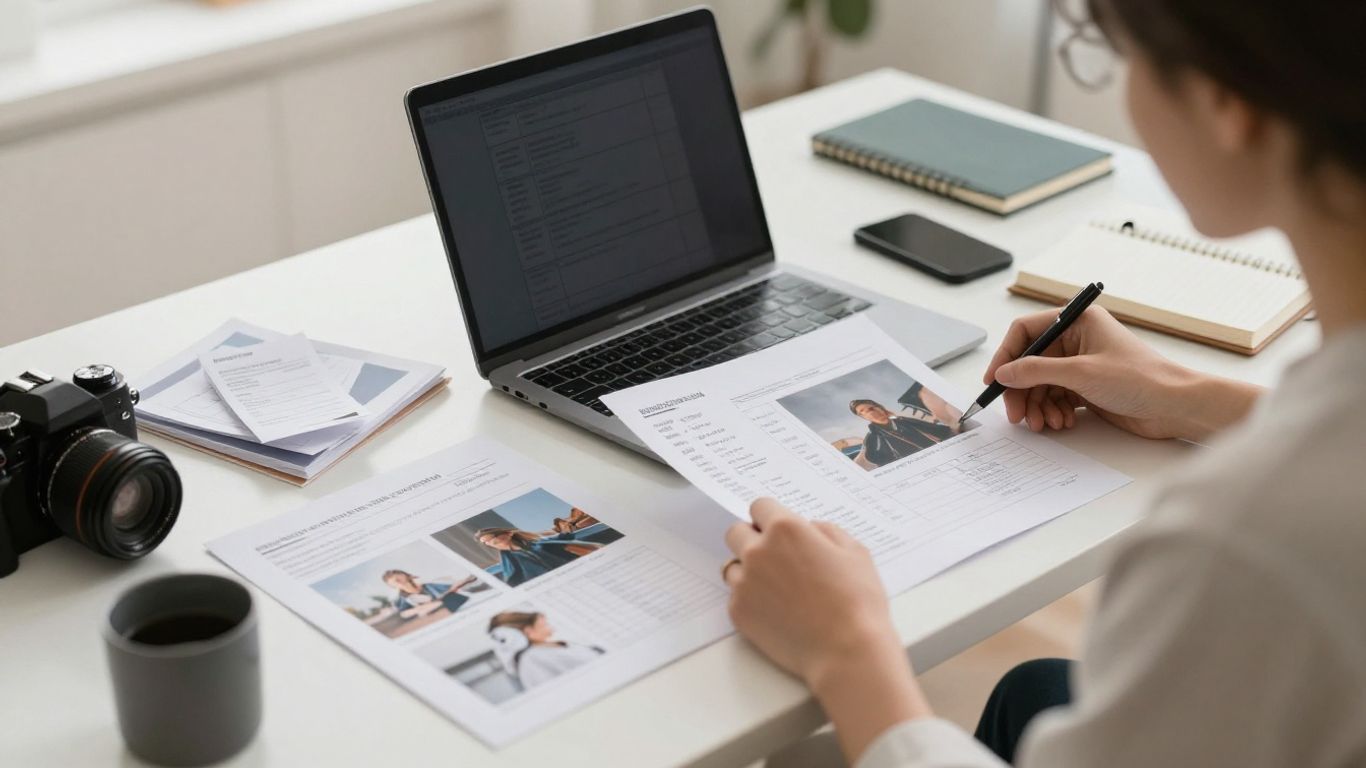
Use clear, well-lit, high-resolution images
Choose the sharpest original available, especially when the question involves small objects or fine print. Even lighting is helpful because deep shadows and bright reflections can hide details. If you are taking a new photograph, hold the camera steady and keep the subject within focus rather than relying on a distant, compressed copy.
Crop out irrelevant backgrounds and distractions
A crop directs attention without changing the evidence in the image. Remove empty margins, unrelated objects, browser clutter, or surrounding scenery when they do not contribute to your question. Leave enough context to understand positions and relationships; an overly tight crop can remove the very clue you want analyzed.
Check that important text is readable
Zoom in before uploading and ask yourself whether a human could distinguish the letters at a glance. Straighten skewed pages, reduce glare where possible, and capture a full line or table row rather than an isolated fragment. If a document has several relevant areas, say which one matters in your question.
Upload the original file when possible
Screenshots of screenshots and repeatedly compressed images lose detail. The original photograph, scan, or exported file usually gives the model more information to work with. For browser research, screenshot analysis guidance can help you think through preparation, text extraction, interface questions, and privacy before you upload anything.
Write effective questions about images
A vague prompt invites a broad answer, which may sound polished while missing your real objective. A strong prompt identifies the task, the relevant area, and the format you want back. You do not need technical terminology; ordinary language works well when it is precise.
Ask specific questions instead of broad ones
Replace “Tell me about this image” with a question that has a clear target. Ask, “What items are on the table?” or “Which line shows the highest value?” Specific wording narrows the response and gives you a simple way to check whether the answer addressed the task.
Mention the detail or area you want analyzed
Point to a region using location, color, position, or a visible label. “Read the small box in the upper-right corner” is more useful than “Read the image.” If several objects look alike, describe the one you mean by its relative position or surrounding features.
Request descriptions, comparisons, or explanations
Tell the AI what kind of output will help you. You can request a short description, a comparison of two items, a transcription, a step-by-step explanation, or a list of visible differences. The requested output shape matters because it keeps the answer focused and easier to review.
When you are choosing between common question styles, this simple guide can help:
| Goal | Useful wording | What to check |
|---|---|---|
| Description | “Describe the main visible elements.” | Are observations separated from guesses? |
| Extraction | “Transcribe the text in the center.” | Are spelling and numbers accurate? |
| Comparison | “Compare the two products by color and shape.” | Are both items addressed? |
| Explanation | “Explain how these arrows connect.” | Does the explanation match the layout? |
The table is a prompt-writing aid, not a guarantee of accuracy. After receiving an answer, compare its claims with the relevant region and ask for clarification if a detail seems unsupported.
Add context when the image alone is ambiguous
An image may show a result without explaining the surrounding task. Tell the AI whether you are debugging an interface, cataloging objects, studying a diagram, or checking a receipt. Context should guide interpretation, not lead the model toward an answer you have already assumed is correct.
Use AI to analyze different types of images
The same question style can support everyday tasks, research, troubleshooting, and document review. The best approach changes with the image type: a photo invites object and scene questions, while a chart calls for labels, comparisons, and trends. For another practical perspective on visual chat workflows, explore analyzing images in chat.
Ask questions about photos and everyday objects
For a photo, begin with inventory and description: what is visible, where items are located, and which features distinguish them. You can ask for a neutral description of an object’s material, shape, or apparent condition. Avoid asking the system to infer hidden ownership, identity, or intent from appearance alone.
Examine screenshots, interfaces, and error messages
A screenshot becomes more useful when you identify the action you were trying to take. Ask what an error message says, which visible control may relate to a setting, or how the layout is organized. Include the complete message and nearby interface context when possible; a cropped fragment may omit the cause or the next step.
SnapQuery lets you analyze images from webpages, screenshots, photos, and documents through a browser workflow, then ask natural-language questions and revisit analyses in chat-like history. You can also chat with images online when you want a general example of conversational visual analysis.
Interpret charts, graphs, maps, and diagrams
Ask first for the title, labels, legend, and units before asking for a conclusion. Then request a targeted comparison, such as which bar is tallest or how a route connects two points. Do not ask the system to invent missing values; if an axis or legend is unreadable, improve the image or acknowledge the gap.
Extract information from receipts and documents
For a receipt, specify whether you need the merchant, date, line items, subtotal, tax, or total. For a document, ask for a transcription of a page or a summary of a named section rather than an unbounded interpretation. SnapQuery supports selecting or collecting webpage images and comparing analyses with different AI models, including GPT-4o, Gemini, and GPT-4o-mini, so you can review a visual question through the browser workflow.
Improve accuracy and handle uncertainty
An AI answer is a working interpretation, not automatically a verified fact. Accuracy improves when you make the task narrow, preserve relevant context, and inspect the evidence behind the response. You should be especially cautious when a small visual error could affect money, safety, compliance, health, or another consequential decision.
Ask the AI to explain how it reached an answer
Request the visible cues it used and ask it to point to the relevant region, label, or line. This does not make the answer infallible, but it makes unsupported leaps easier to spot. Ask for a distinction between what is directly visible and what is inferred.
Confirm unclear details with follow-up questions
Use the first response to refine the next question. You might ask the AI to reread one number, compare two nearby objects, or explain why it selected a particular chart category. Follow-ups are often more productive than repeating the original broad prompt because they target the remaining uncertainty.
Watch for poor image quality and missing context
Blur, occlusion, glare, low contrast, unusual perspective, and cropped edges can all change an interpretation. Missing captions, legends, page numbers, or surrounding controls can create a similar problem. If the answer sounds confident but the source is hard to read, treat that confidence as a warning rather than reassurance.
Verify sensitive, technical, or consequential information
Check extracted figures against the original document and confirm technical instructions with an appropriate source or professional. For research tasks, keep a record of the image, question, and answer so you can retrace the decision. A second review may reveal an overlooked label or an assumption hidden in the wording.
Protect privacy and use image analysis responsibly
Visual files often contain more personal information than you notice at first. Faces, addresses, account numbers, messages, badges, location clues, and metadata can appear in the background. Before uploading, decide whether each visible detail is necessary for the task and whether the tool is appropriate for the material.
Remove personal and confidential information
Crop or redact names, identification numbers, signatures, private messages, financial details, and internal documents when they are not needed. Redaction should cover the information rather than merely blur it if the original file may still be accessible. Check the finished image once more because a corner or reflected screen can reveal more than expected.
Consider consent before uploading someone’s image
A person may not expect their photograph, workplace screen, or private document to be analyzed. Obtain consent where appropriate, particularly when the image is not public or the analysis could affect someone. Use the least identifying version of the file that still answers your question.
Avoid relying on facial or identity-related guesses
Do not treat an AI’s guess about who someone is, how they feel, or what they intend as a reliable fact. Stick to observable features and context. A neutral description of visible clothing or posture is fundamentally different from assigning an identity, diagnosis, or character judgment.
Choose secure tools for private or regulated content
Review retention, access, training, encryption, permissions, and compliance information before sending sensitive material. SnapQuery states that personal data, including image uploads, queries, and model responses, is not used to train SnapQuery; you should still follow your organization’s rules and remove unnecessary confidential details. Privacy is a workflow decision, not a setting you can safely ignore after upload.
Conclusion
To ask questions about images well, give the AI a clear task, a readable file, and enough context to interpret what it sees. Start with observable details, use follow-ups to test uncertainty, and verify anything consequential against the source. With that habit, image analysis becomes a practical aid for research, troubleshooting, documents, and everyday visual questions.
Frequently Asked Questions
What kinds of questions can you ask about an image?
You can ask about visible objects, text, layouts, relationships, chart labels, document fields, or differences between two areas. The question works best when it names the task and the relevant part of the image.
How specific should an image question be?
Be specific enough to identify the object or region and the kind of answer you want. Mention location, color, labels, or comparison criteria when several details could be confused.
Can AI read text from a photo?
It can often transcribe readable printed or handwritten text, but blur, glare, small type, and unusual fonts may cause errors. Always compare important numbers and wording with the original.
Should you crop an image before asking a question?
Crop away irrelevant distractions when doing so preserves the context needed to interpret the subject. Keep surrounding labels, nearby objects, or layout cues if they affect the answer.
How can you tell whether an image answer is reliable?
Ask what visible evidence supports the response, inspect the cited region yourself, and use follow-up questions to test unclear details. Verify sensitive or consequential claims independently.
Can AI interpret charts and diagrams?
It can often describe visible labels, shapes, arrows, categories, and broad comparisons. Missing legends, unreadable axes, or low resolution can make a conclusion unreliable.
What should you avoid uploading for image analysis?
Avoid unnecessary personal, confidential, financial, medical, or regulated information. Redact identifying details and review the tool’s privacy practices before uploading anything sensitive.